House walkthrough video maker
Turn a floor plan into a walkthrough video: FloorGen plans a route through every room, adds room-name captions and a title card, and records an MP4 in landscape, portrait or square, up to 1440p. In the browser, free.
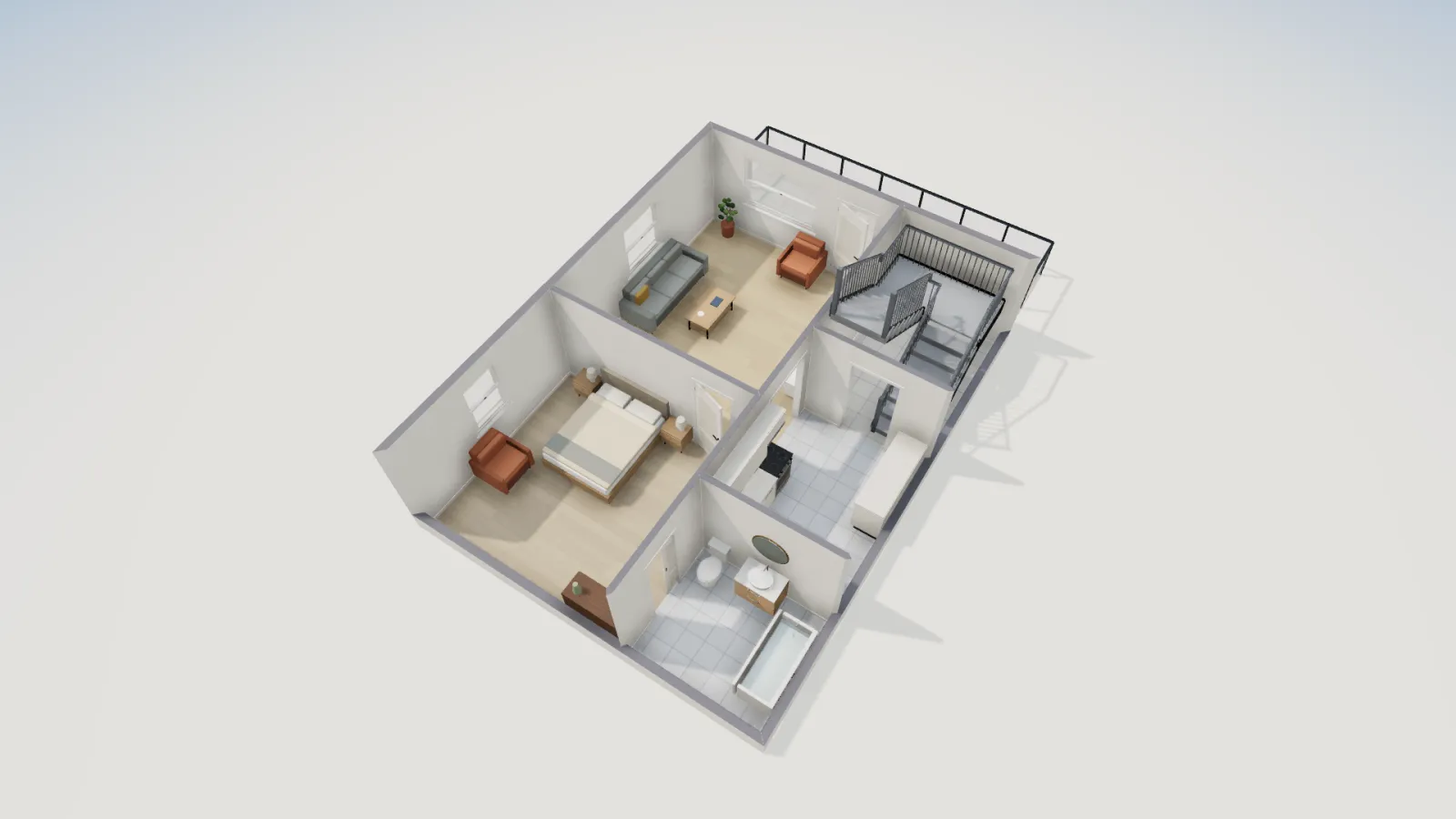
- Format
- MP4 (WebM in Firefox)
- Shapes
- 16:9, 9:16, 1:1
- Resolution
- Up to 1440p
- Price
- Free
How to make a walkthrough video
- Have a plan with rooms. Draw one, trace one from an image, or open a template. Name the rooms: the captions use the names.
- Open the 3D view (press 3) and click Walkthrough video, the clapperboard button on the bar under the 3D toolbar.
- Tour. Choose a Pace: Short, Standard, Detailed, or Custom with your own walking speed (0.5 to 1.6×) and time in each room (1 to 6 s). The dialog shows the length each one gives. Walk round the outside starts with the exterior, and Look around each room turns the camera in each room.
- Camera. Use the same eye height and lens as your Walk view, or set them here; Camera motion is Calm, Natural or Brisk; pick the lighting.
- Captions. Room names on screen, with the floor or the room's area under each name, at the bottom left or centre. The Title card shows the project name and a tagline you type.
- Video. Pick the Shape (Landscape 16:9, Portrait 9:16, Square 1:1), the Resolution (720p, 1080p, 1440p) and 30 or 60 fps. Preview plays it; Record video records it and downloads the file.
Which shape for which place
| Shape | Use it for | Tip |
|---|---|---|
| Landscape 16:9 | YouTube, a listing's video tour, a client presentation, a TV | 1080p is plenty for most; 1440p for big screens |
| Portrait 9:16 | Instagram Reels and Stories, TikTok, YouTube Shorts | Keep captions at the bottom centre, clear of the app's buttons |
| Square 1:1 | Feeds where square posts show largest | Works for small rooms; wide rooms crop at the sides |
The route goes room to room through every floor of the project, using the design shown on each, so a two-storey house gets both floors and the stair. Recording runs in real time in your browser while the tour plays, so a one-minute video takes about a minute to record; keep the tab in front until it finishes.
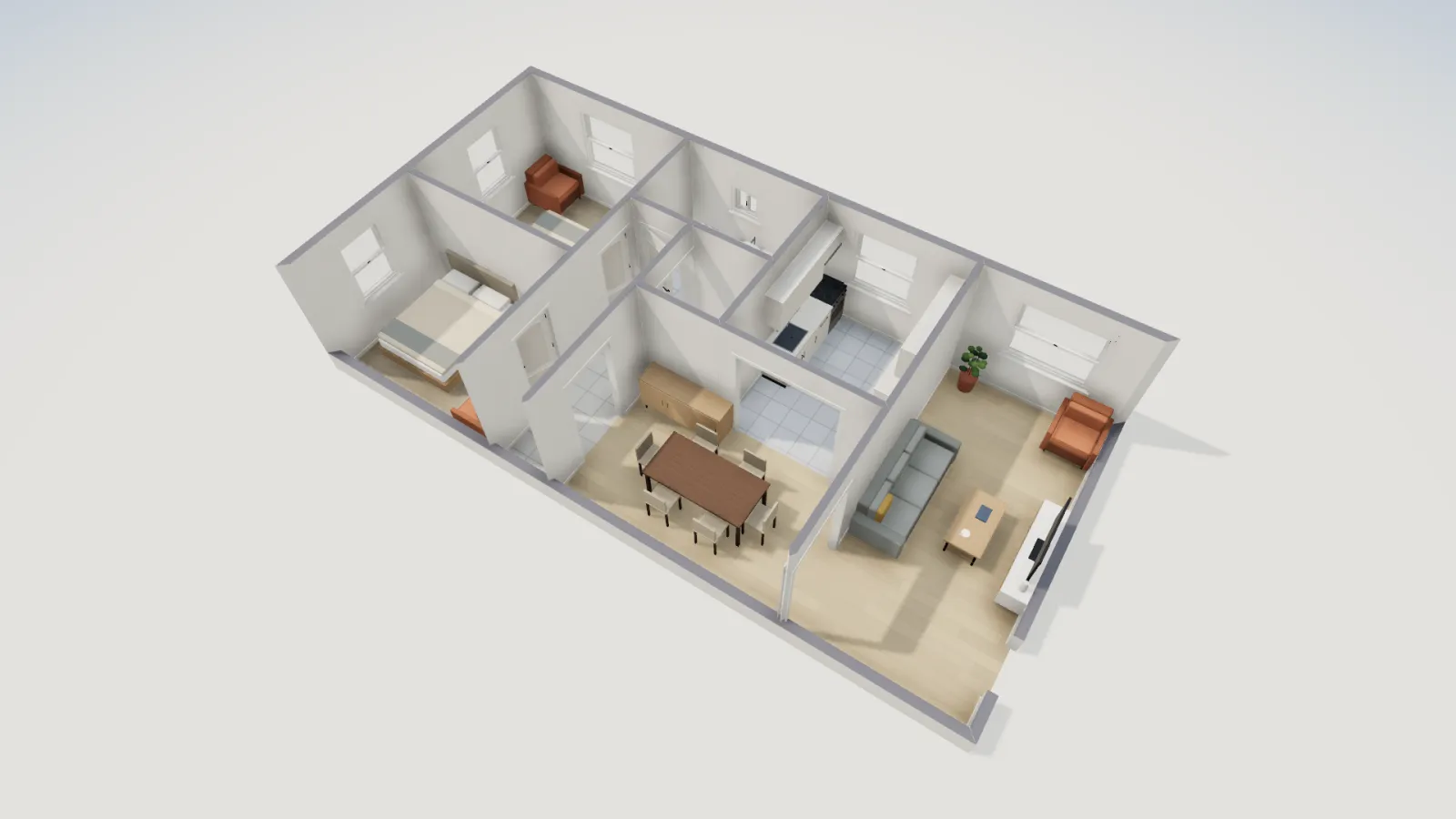
Getting a better video
- Furnish every room. Empty rooms read as boxes on video. Furnish as fills a bedroom, living room, office or kids room in one step.
- Name rooms the way a buyer would: "Primary bedroom", "Kitchen", not "Room 4".
- Pick the light. Day lighting shows the layout best; Evening gives warmer shots for a teaser.
- Set the title. The title card uses the project name unless you type another title, with your tagline (an address, a price, a studio name) under it.
- Use 60 fps for smoother motion if your computer keeps up; drop to 720p on an older laptop.
Limits
- Not photoreal: the video shows FloorGen's 3D view, with its colors, textures and lighting.
- The route is planned automatically; you choose the pace and what it looks at, not each camera move. For a hand-picked sequence, save camera views and record them as a tour (.webm).
- No music or voice-over track; add them in a video editor.
- Recording needs a browser that can record video from a canvas (current Chrome, Edge, Safari and Firefox).
Questions
Is there a watermark on the video?
Not on paid plans. On the free plan, the video may carry a small FloorGen badge in a corner; otherwise it carries your room names and title card, nothing else.
Can I make a vertical video for Reels or TikTok?
Yes. Set Shape to Portrait 9:16 in the Video tab.
What file do I get?
An MP4 named after your project (WebM in Firefox, which cannot record MP4), at 720p, 1080p or 1440p and 30 or 60 fps.
Can I make a walkthrough from a 2D floor plan image?
Yes, in two steps: trace the image into a real plan, then record the video from its 3D view.