Floor plan software for students and teachers
Free floor plan software for the classroom: nothing to install, no student accounts to set up, and it runs in the browser on Chromebooks. Students draw to scale, walk through their design in 3D and print a scaled sheet to hand in.
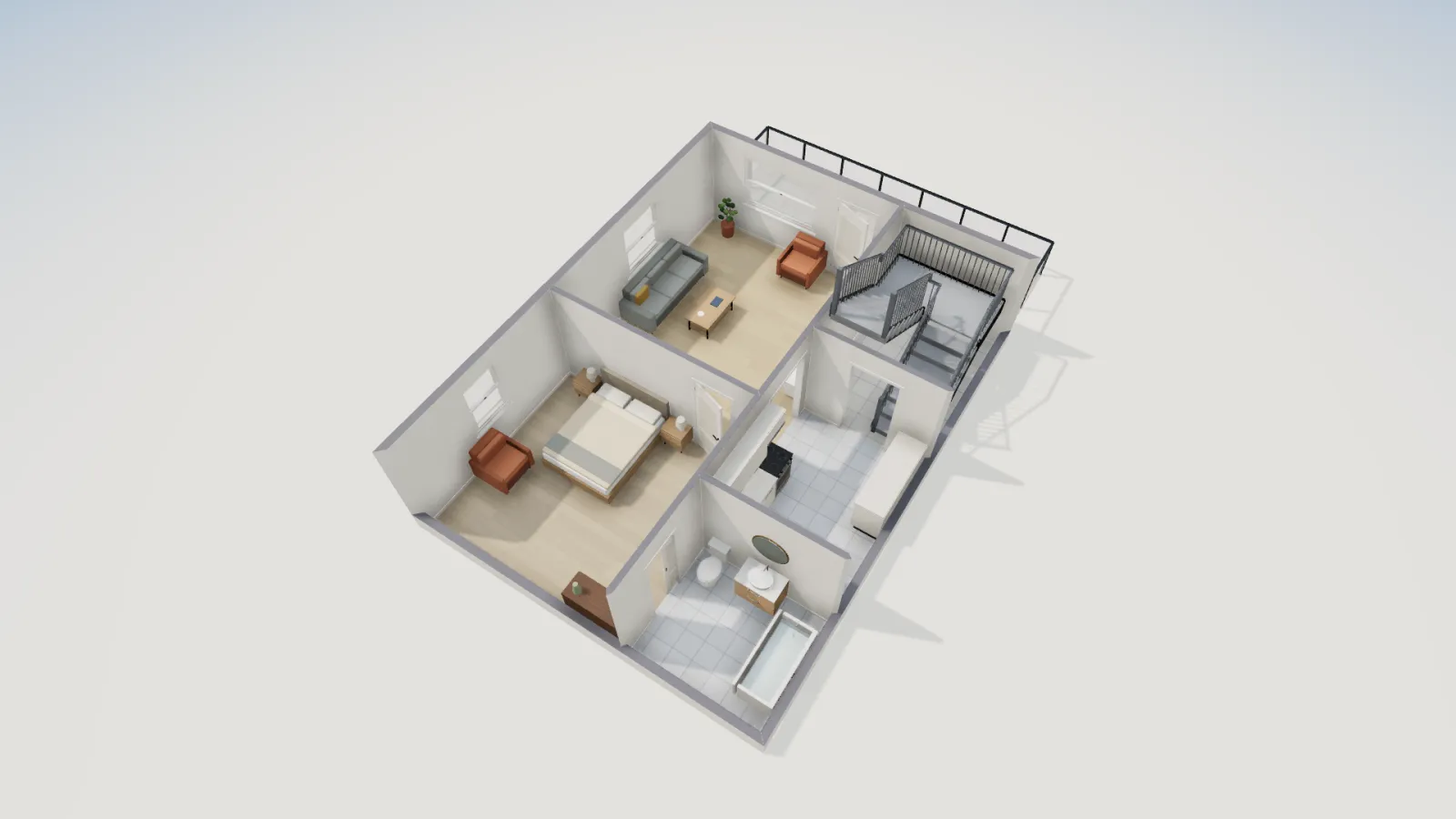
- Student accounts
- None needed
- Runs on
- Chromebook, tablet, laptop
- Units
- ft-in or metric
- Price
- Free
A floor plan is a good classroom project because it mixes measurement, arithmetic, geometry and design, and the result is something students can walk through. The usual obstacles are software installs, licences and accounts. FloorGen has none of those: open the page and draw.
Why it works in a classroom
- No accounts. Students start drawing at once. Their plans save in the browser they use, not on our servers, unless they choose to sign in. Accounts are for people 16 and over under our terms, and class work needs none.
- Browser only. It runs in Chrome on a Chromebook and in the browser on iPads, Windows and Mac laptops, with nothing to install.
- Free, with prints to scale, so printed work looks like a real drawing. Free exports may carry a small FloorGen badge.
- Real units. Feet and inches to 1/16 in, or metric to 1 mm. Areas are worked out from the walls, which makes a good check on hand calculations.
- Four languages. The interface is in English, Spanish, French and German.
Lesson ideas
| Lesson | What students do | Start from |
|---|---|---|
| Scale drawing (math) | Measure the classroom with a tape, draw it, work out the area by hand, compare it with FloorGen's figure, and print the plan at a standard scale such as 1/4 in = 1 ft. | A blank plan |
| Design a tiny home (design and technology) | Fit a kitchen, bath and sleeping area into 400 ft² or less, furnish it, and present it as a walkthrough video. | The garage-to-studio ADU: 361.3 ft² of rooms |
| Accessible design (CTE, architecture) | Plan a bathroom with a 60 in turning circle and clear space at each fixture, then compare it with a standard bath. | The accessible bathroom (63.1 ft²) and the 5 × 8 ft bath |
| Reading plans (any level) | Open a finished house, name every symbol, and find each room's area and the size of the stair. | The cabin with a sleeping loft |
Background reading for students: how to read a floor plan, floor plan symbols, floor plan scale and ADA bathroom dimensions.
Handing work in
- Print set PDF. A sheet per floor at a real scale with a title block: put the student's name in the client field and the class in the project name.
- Image. A PNG of the plan or a 3D view, for a slide deck or a portfolio.
- Project file. Students export the project file and upload it to your class folder; you open it in FloorGen with Import project file and see the whole plan, not just a picture.
- Video. A short MP4 walkthrough for a presentation.
What FloorGen doesn't do
- No class tools. There is no roster, teacher dashboard, assignment hand-in or LMS integration. Work comes to you as files.
- No shared editing. Two students cannot edit one plan at the same time; for group work, one draws and the others review.
- Plans stay in one browser. On shared or managed Chromebooks that clear data at sign-out, students should export the project file at the end of each lesson.
- The AI chat needs sign-in, so it is not part of an account-free class. Nothing in the lessons above needs it.
- Code checks teach, they do not certify. The IRC and other profiles flag small rooms and steep stairs; they are not a plan review.
Questions
Do students need an email address?
No. They open FloorGen and start drawing. Nothing asks for a name, email or school account.
Does it work on school Chromebooks?
Yes. It runs in Chrome, so there is nothing for IT to install or approve beyond access to the website.
Can students save work between lessons?
Yes, in the same browser on the same device. If devices are shared or wiped, have them export the project file and import it next time.
Is it free for schools?
Yes. There is no school plan, licence or seat count; every feature that does not need sign-in is open to everyone.