Help centre · 67 guides
How can we help?
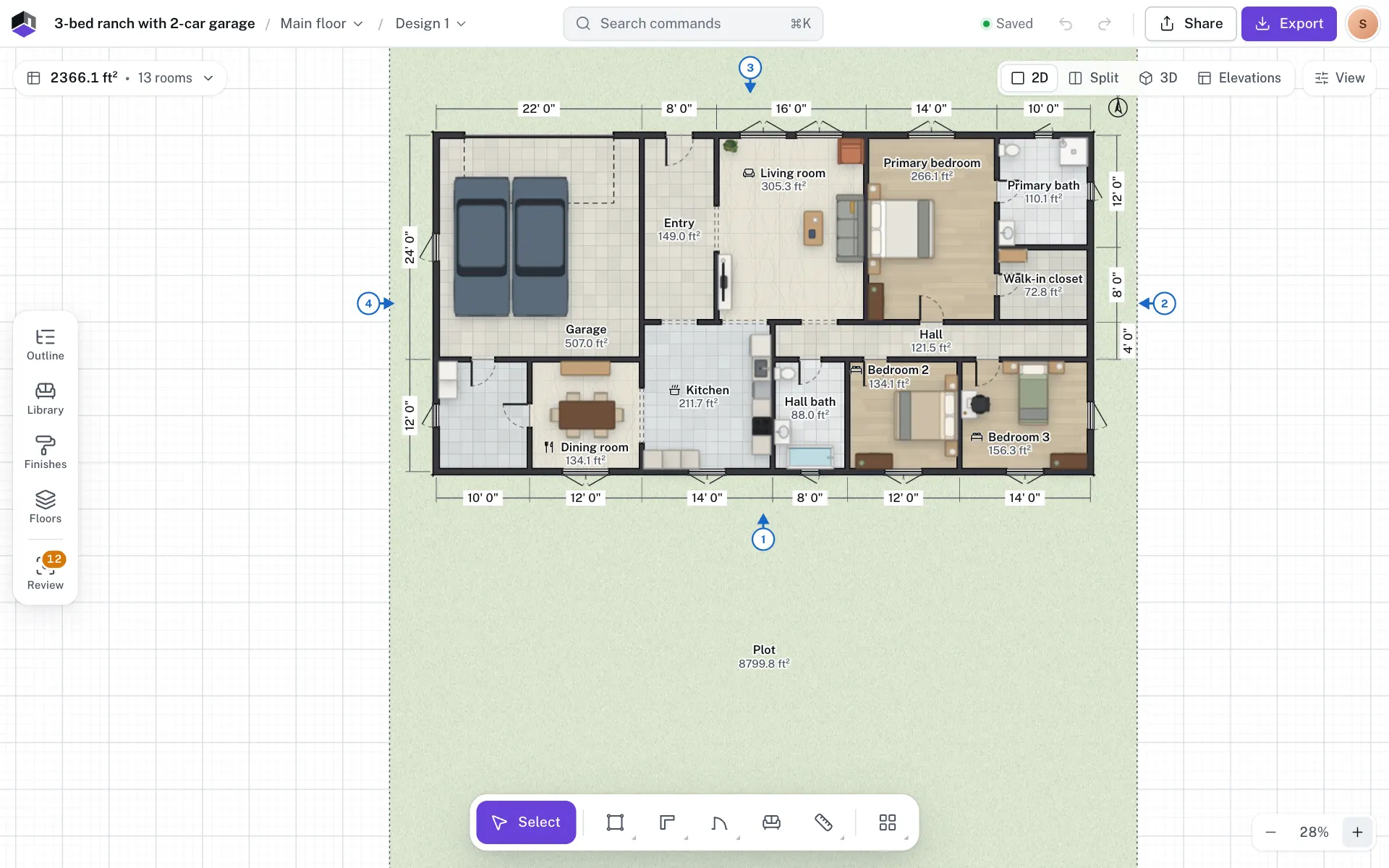
Step-by-step guides for every part of FloorGen, from the first wall to a print set at scale, with the real screens.
Start here
Browse by topic
- A · 5 guidesGetting startedYour first plan, the editor tour, phone and tablet.Open
- B · 6 guidesProjects and floorsTemplates, floors, basements, designs and backups.Open
- C · 12 guidesDrawing in 2DWalls, rooms, doors, stairs, measuring and tracing.Open
- D · 4 guidesFurniture and finishesLibrary items, kitchens, wardrobes and paint.Open
- E · 6 guides3D, walkthroughs and elevationsOrbit, walk through, record video, draw elevations.Open
- F · 4 guidesChecks, schedules and budgetCode review, areas, schedules and costs.Open
- G · 8 guidesFree accountExport and printPNG, PDF, print sets, DXF, glTF and view-only pages.Open
- H · 3 guidesFree accountSharing and live editingInvite people and edit the same plan together.Open
- I · 4 guidesFree accountFloorGen AIAsk for changes in plain words and undo any step.Open
- J · 4 guidesFree accountConnect AI agentsUse FloorGen from Claude, ChatGPT, Cursor and more.Open
- K · 3 guidesFree accountAccount and plansSign-in, sync, plan limits and codes.Open
- L · 3 guidesSettingsRegion, units, language, plan styles and theme.Open
- M · 5 guidesReferenceShortcuts, export formats, glossary and FAQ.Open