Floor plan creator with no sign-up
Make a floor plan without an account, a trial or a card. Your plans save in this browser, and signing in later (also free) adds exports and a cloud copy.
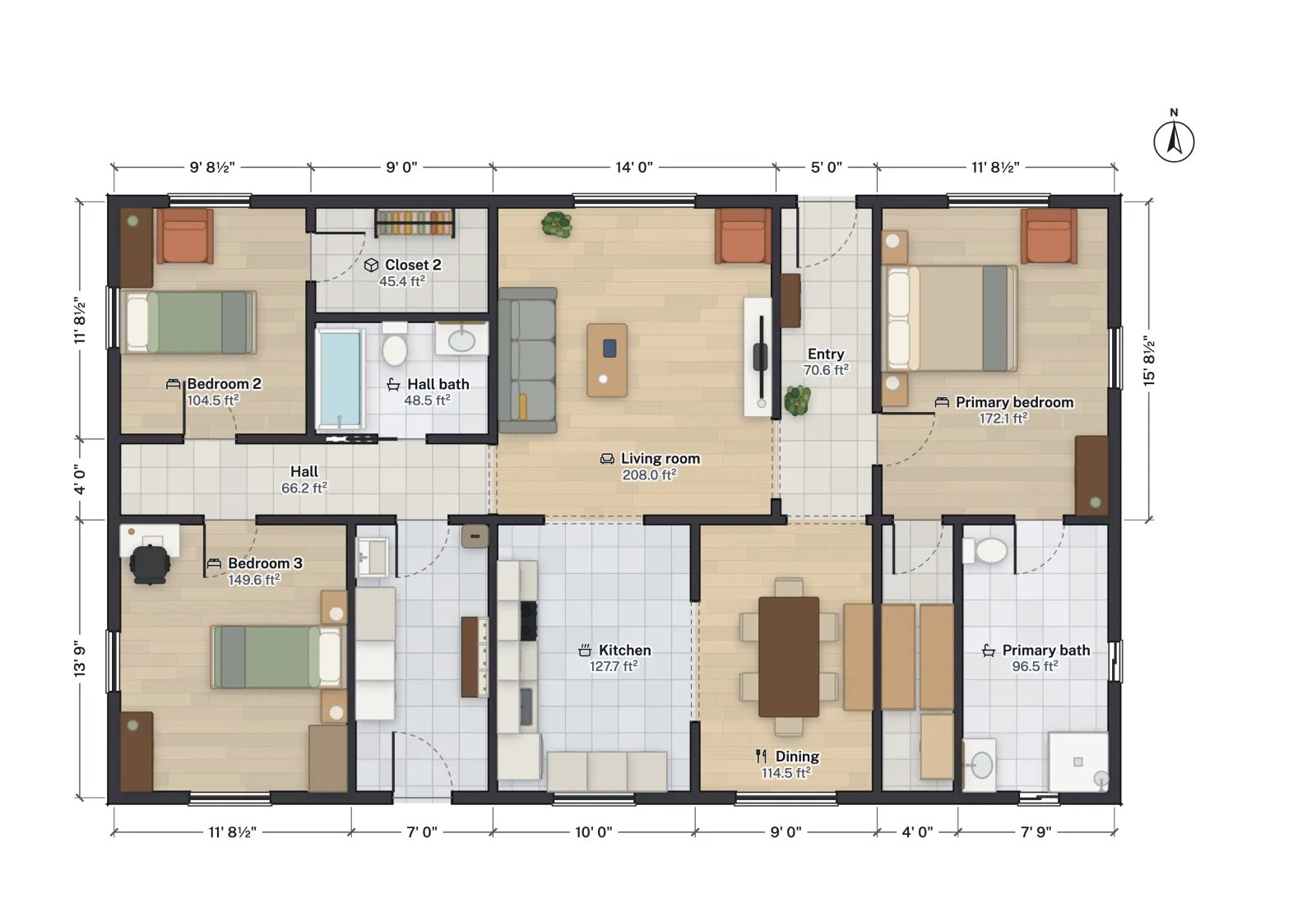
- Price
- Free
- Account
- Not needed to draw
- Watermark
- Depends on the plan
- Projects
- No limit
Free means the whole editor
Many "free" floor plan apps let you draw and then charge to export, to save more than one project, to remove a logo or to see the plan in 3D. In FloorGen the editor, the templates, the 3D view and every export are free; exports need a free account. On the free plan, exports may carry a FloorGen watermark; some plans export without one, and the pricing page says which. Two other small credits remain: a PDF's title block reads "Drawn with FloorGen" in the revision box until you type a revision, and the view-only page has a "Made with FloorGen" link in its footer. Files include standard metadata noting they were made with FloorGen.
| Feature | No account | Free account (Google sign-in) |
|---|---|---|
| Draw, furnish and edit plans | Yes | Yes |
| 3D view, walk-through and walkthrough video | Yes | Yes |
| Exports: PNG, PDF print sets, DXF, SVG, glTF, view-only page | No | Yes |
| 40 editable templates | Yes | Yes |
| Where projects are saved | This browser only | This browser and the cloud, on every device |
| FloorGen AI chat in the editor | No | Yes (beta, with usage limits) |
| Connect Claude, ChatGPT or Cursor over MCP | No | Yes |
Make your first plan in three steps
- Open a blank plan with the button above, or a template from the floor plan gallery. Nothing to install and no form to fill in.
- Draw. Press R and drag out each room, or W to draw walls corner to corner and type their lengths. D adds a door and N a window; L opens the furniture library.
- Export. Sign in free, open Export and pick a 2D plan (PNG or PDF), a 3D image, a print set or a CAD file. The download starts straight away.
Where your plans live
Without an account, projects are stored in your browser's own database (IndexedDB) on this device; the plan does not leave your computer. That has two consequences worth knowing:
- Clearing site data deletes them. Private windows, cleanup tools and some browser settings wipe IndexedDB. Keep a copy with Back up all projects on the projects page (a file you can import again), or sign in.
- They stay on this device. A plan drawn on your laptop is not on your phone until you sign in; the sign-in moves the projects made in this browser into your account.
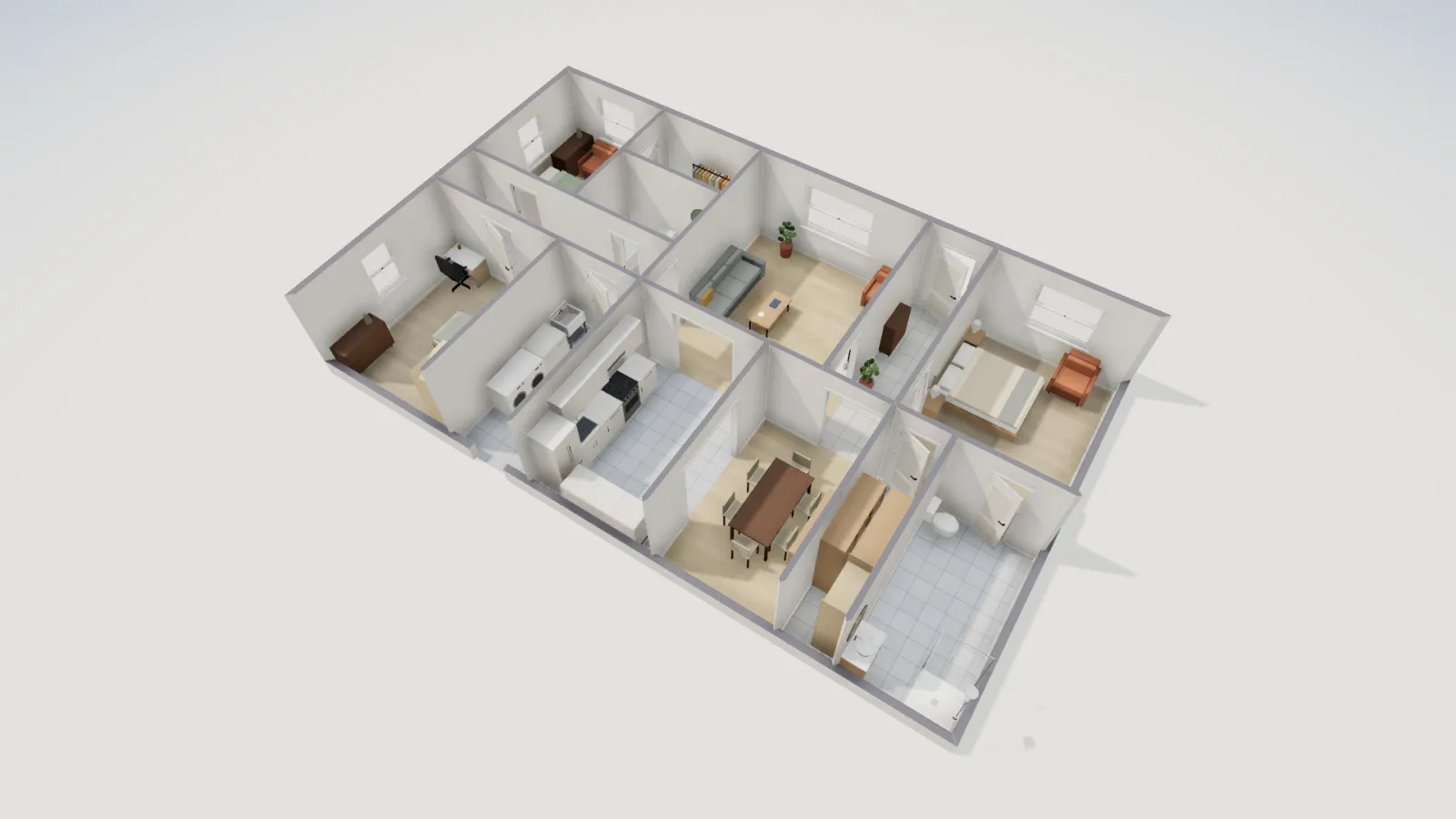
What you give up by not signing in
Nothing in the drawing itself. A free account, through Google, adds exports, the cloud copy, the in-app AI and the MCP connection for Claude or ChatGPT. FloorGen collects only what the service needs, does not sell personal information, and does not use your plans to train AI models; the privacy policy and terms say so in full.
The trade-offs
- Sharing with someone who has no account is by file: a view-only HTML page or a PDF. Live co-editing needs a free account for you and each person you invite.
- No photoreal renders, and no DWG or IFC export.
- Without an account there is no cloud backup, so back up anything important from the projects page.