Share a view-only page
Updated 2 min readNeeds a free account
A view-only page is one .html file with your plan, a 3D view and the room list. It opens offline in any phone or computer browser, so you can send it on WhatsApp or by email to family or a contractor. Nobody can edit the plan from it.
Make a view-only page
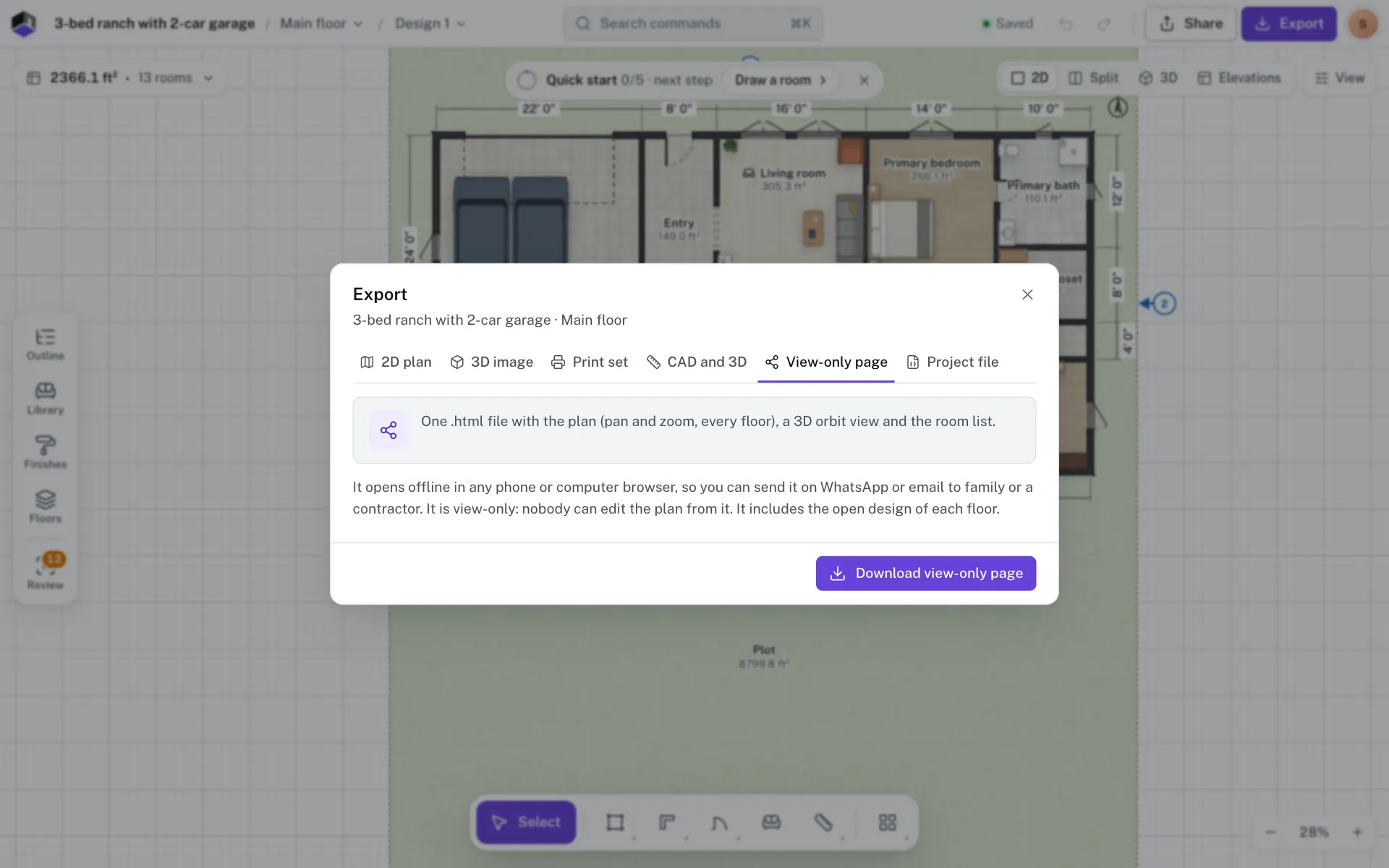
- Step 1: Open the View-only page tab
Click Export in the top bar, or press ⌥6, and pick View-only page.
- Step 2: Download the page
Click Download view-only page. You get one .html file named after the project.
- Step 3: Send it
Attach the file to a message or an email, or put it on a USB stick. The person opening it needs only a browser.
What the page shows
| Tab | What it shows |
|---|---|
| Plan | Every floor, with a button for each when there are several. Drag to pan, and scroll or pinch to zoom. |
| 3D | A simplified model with walls, floors, furniture and lift shafts. Drag to orbit, and scroll or pinch to zoom. |
| Rooms | A table of rooms and their areas for each floor, with the total. |
The header shows the project name, with the client and address from the print set’s title block when you have filled them in. The page holds the open design of each floor.
Questions
Does it need the internet?
No. Everything is inside the one file, so it opens offline.
Can the person I send it to edit the plan?
No. The page is view-only. To work on the plan together, share the project with them.
Which design does it show?
The open design of each floor. Switch designs before you export to show another one.