Language and units
Updated 3 min readWorks without an account
Change the editor’s language in Settings… › Interface › Language; it is remembered in this browser. Switch a project between metric and imperial in View options or Settings… › Units; only how sizes are written changes, never the sizes themselves.
Change the language
- Step 1: Open Settings
Open the account menu and choose Settings…, or press ⌘,.
- Step 2: Go to Interface
Click the Interface tab.
- Step 3: Pick a language
Choose from Language. Automatic follows your browser’s language; the editor switches as soon as you pick.
| Language | Shown as |
|---|---|
| English (United States) | English (US) |
| Spanish (Mexico) | Español (México) |
| French (Canada) | Français (Canada) |
| French (France) | Français (France) |
| German (Germany) | Deutsch (Deutschland) |
The public pages, such as the blog and this help centre, stay in English for now. The language picker in the site’s footer sets the language the editor opens in.
Switch between metric and imperial
- In the editor, click View at the top right and pick Metric or Imperial under Units.
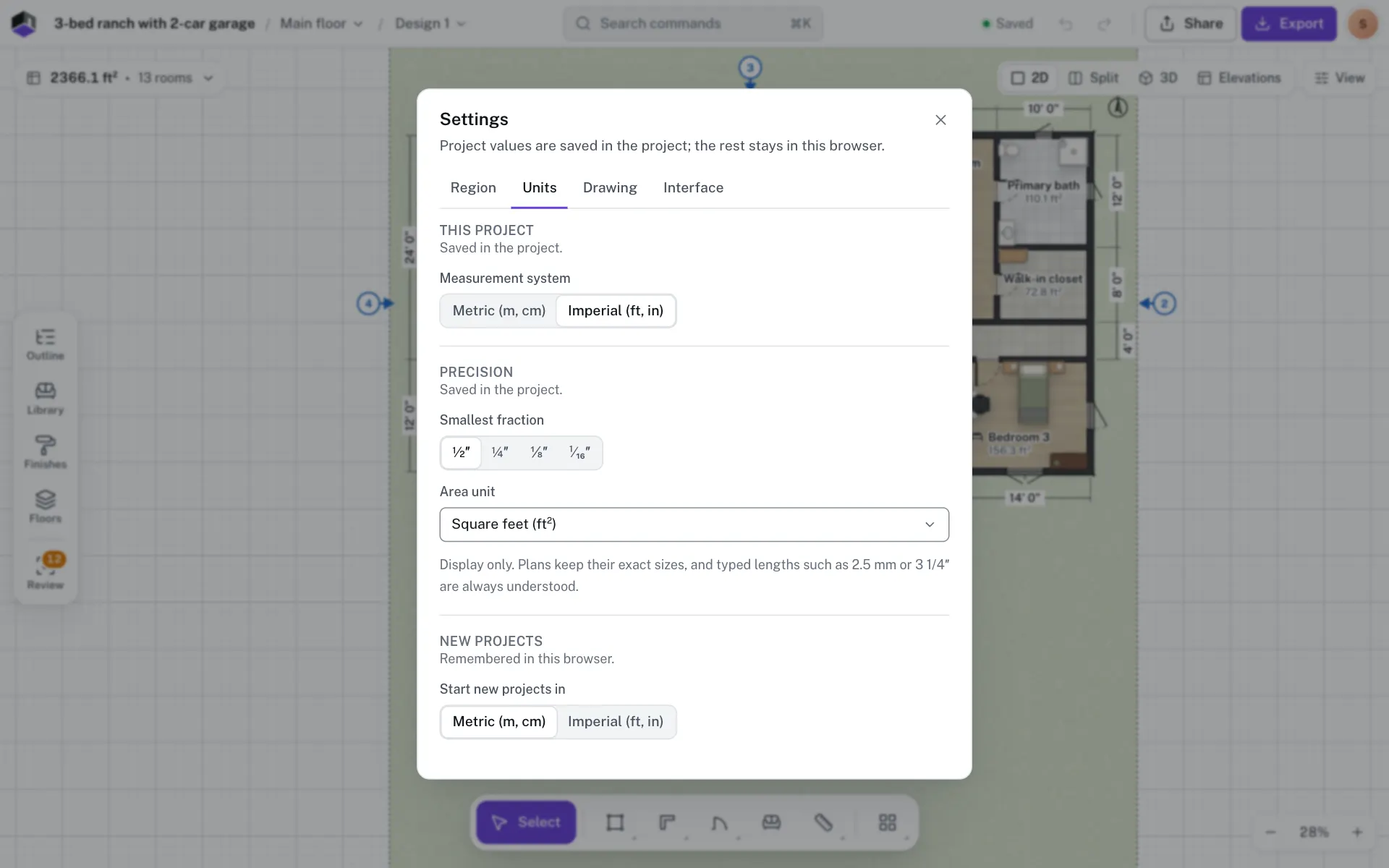
- Or open Settings… › Units and change Measurement system.
- You can type a length in either system at any time. A bare number follows the units on show, and typed lengths such as 2.5 mm or 3 1/4″ are always understood.
Precision and area units
| Setting | Choices |
|---|---|
| Length display (metric) | Metres and cm (default), Centimetres, 0.1 cm, Millimetres or Metres, 3 decimals |
| Smallest fraction (imperial) | ½″, ¼″, ⅛″ or ¹⁄₁₆″ |
| Area unit | Match units (m² or ft²), Square metres (m²), Square feet (ft²) or Square yards (sq yd) |
These change only how sizes are written. Plans keep their exact sizes. Numbers are written the region’s way, such as 3.45 m or 3,45 m; to pick another style, change Numbers in the Region tab.
Questions
Does changing the language change my plan?
No. Only the editor’s words change. Room names you typed stay as you wrote them.
Does switching to imperial round my walls?
No. Walls keep their exact sizes; only how they are written changes.
Why did my currency change with the region?
Picking a region sets its units, currency, paper and number format. Change any of them back in Settings… › Region.