Delete your account
Updated 3 min readNeeds a free account
You can delete your FloorGen account yourself, from your profile. It takes effect at once and can’t be undone, so back up what you want to keep first.
Before you start
- A paid plan that is still running blocks deletion. Open My plan and cancel it first; see Upgrade, pay monthly or yearly, or cancel.
- Download a backup of your projects. Once the account is deleted you can’t open them again; see Project files and backups.
- Projects you shared stop being open to the people you shared them with. Hand a project over first by giving someone a copy of its project file.
Delete it
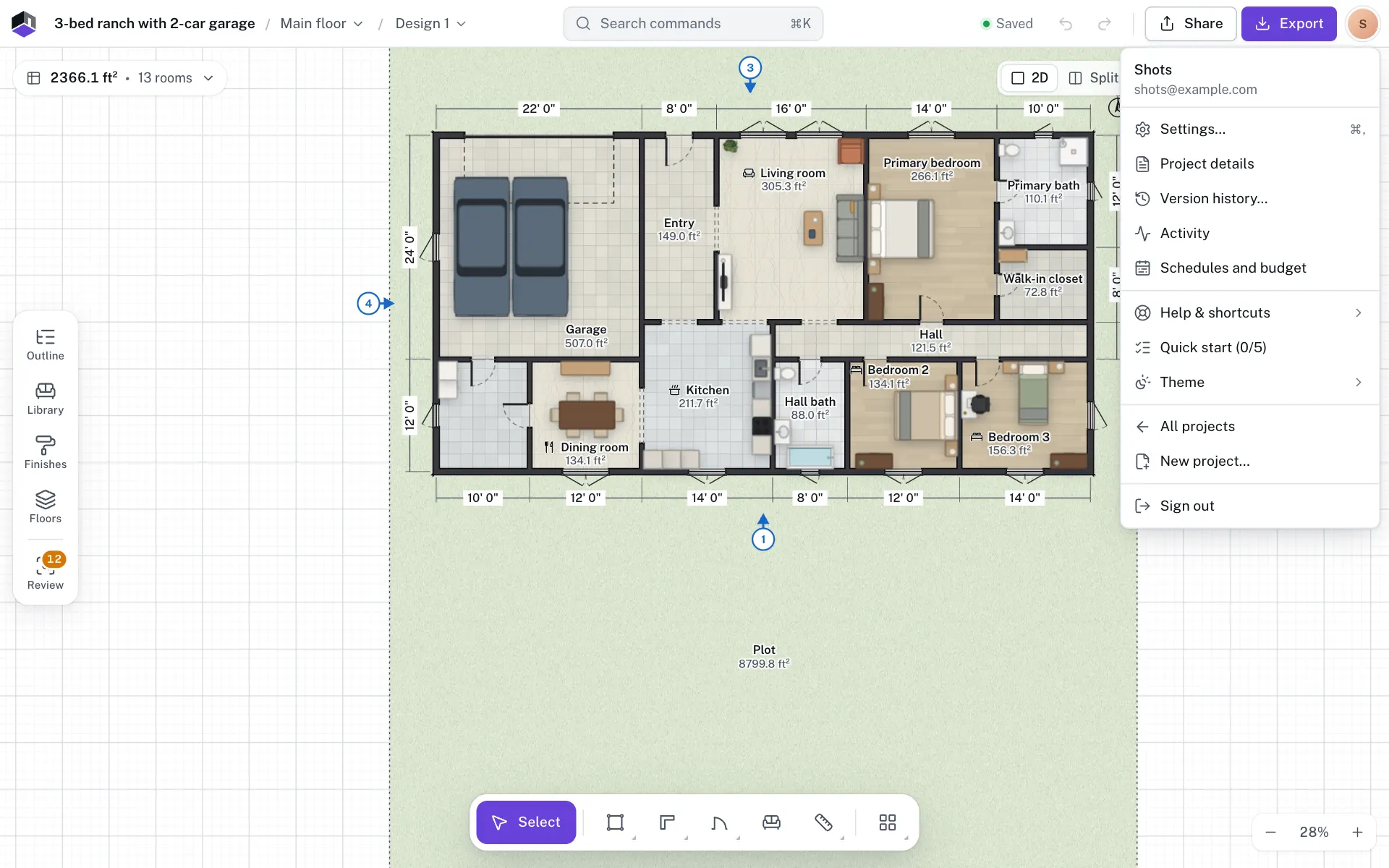
- Step 1: Open your profile
In the editor, click the round avatar at the top right and choose Profile. On the projects page, click your name at the foot of the sidebar and choose Profile.
- Step 2: Click Delete account
It is the last button in Your profile. It isn’t there when a FloorGen admin is signed in as you.
- Step 3: Read what happens
The dialog lists what is erased and how many of your projects can’t be opened again. It warns you in red when some of them exist only in this browser and have not reached your account.
- Step 4: Type your email
Type your account’s email address to confirm.
- Step 5: Prove it is you
Type your password. If your account has none, for example it signs in with Google, the dialog opens on a 6-digit code we email to your address: type it, or click Email me a new code if it did not arrive. With a password you can click Email me a code instead to use a code instead.
- Step 6: Tell us why (optional)
Pick a reason under Why are you leaving? (optional) or leave it on Prefer not to say.
- Step 7: Delete
Click Delete my account. You are signed out and the page tells you the account is gone.
What happens next
| What | Result |
|---|---|
| Your sign-in, name, email and photo | Erased. |
| Sessions, API keys and connected agents | Signed out and stopped everywhere, at once. |
| Projects in this browser | Removed from this browser, including edits that had not synced. |
| Projects in your account and AI chats | Kept on our servers, but nobody can open them again. |
| People you shared projects with | Lose access. |
| An institution seat | Released, so your institute can give it to someone else. |
FloorGen sends a short goodbye email to the address on the account. If you sign up again with the same address, or with the same Google account, FloorGen opens a new, empty account on the Free plan, with none of the old projects. For 90 days the free trial is not offered again to that address.
Questions
Can I undo it?
No. Deleting is immediate and final, and the old projects can’t be brought back into a new account. Download a backup first.
Why can’t I delete my account while I have a plan?
So a subscription never keeps charging an account you can no longer open. Cancel it in My plan, then delete the account.
What about my institution seat?
The seat is released when the account is deleted, and your institute can give it to someone else. Your institute’s managers see the seat as unused.
I only want to stop the emails.
Turn off Product emails in Your profile. That leaves the account as it is.